Shipment tracking tools have become essential in the transport business. They provide transparency and build trust between customers and carriers. In this article, we explain how to use the tracking link in Planlogi and how it works.
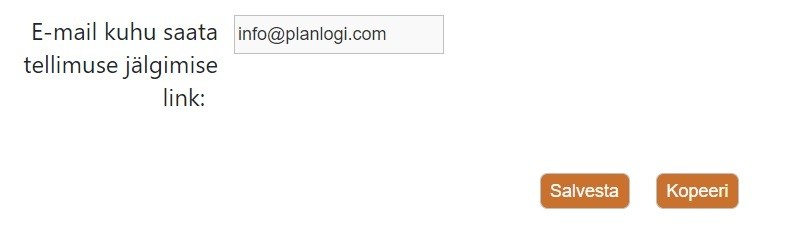
On the contact card, you can set an email address that the order tracking link is sent to automatically as soon as the order has been entered.
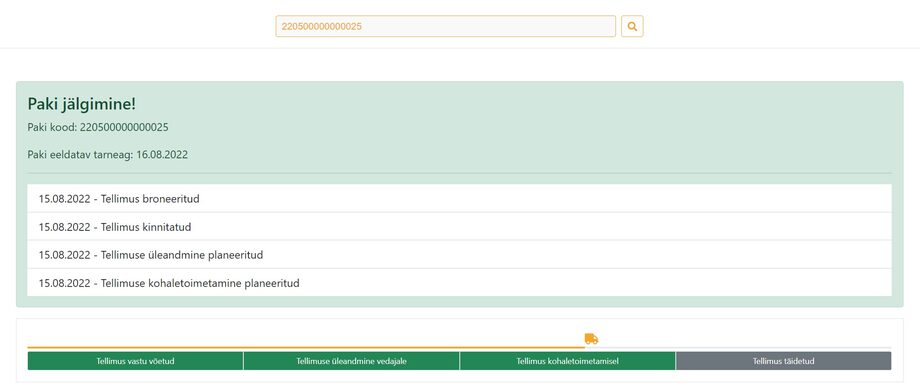
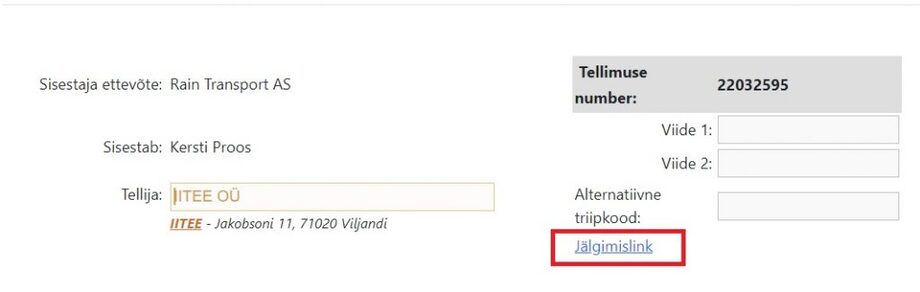
The order tracking link is also shown in the order view.
Frequently asked questions
What is an order tracking link?
A tracking link is a link that lets the customer see the status and progress of their order in real time, without logging in to Planlogi.
How does the customer receive the tracking link automatically?
On the contact card, you can set an email address that Planlogi sends the order tracking link to automatically, right after the order is entered.
Where can I find the order tracking link in Planlogi?
The tracking link is also shown in the order view, where you can copy it and share it with the customer manually if needed.
Why is a tracking link useful for a carrier?
A tracking link provides transparency, cuts down on customer status enquiries and builds trust between the customer and the carrier.