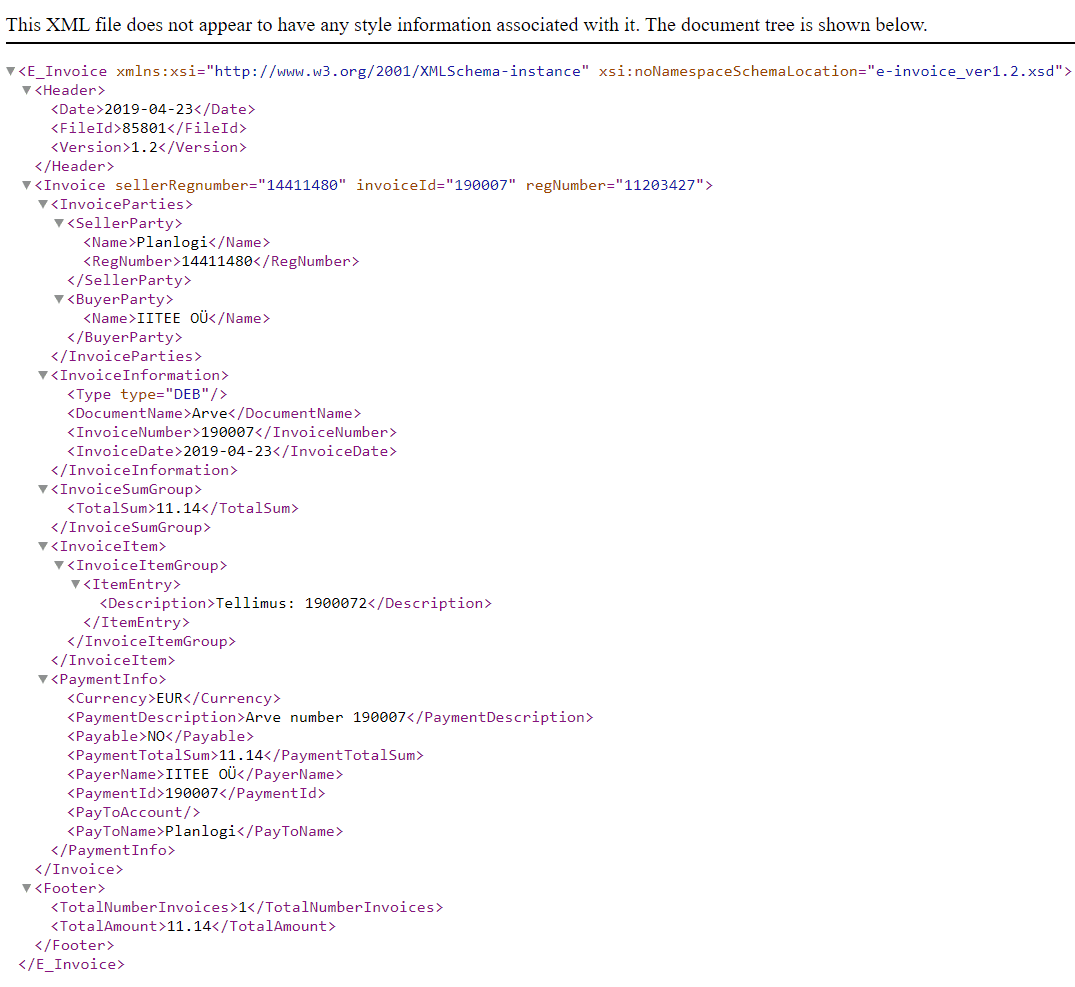
You can see an e-invoice preview by going to the invoice list in the menu and clicking the E-INVOICE button.
If you tick the checkbox on the customer card, the invoice file is created automatically and an e-invoice is attached every time you create a new invoice.

Frequently asked questions
How do I preview an e-invoice in Planlogi?
Open the invoice list in the menu and click the E-INVOICE button next to the invoice you want.
How do I add an e-invoice to an invoice automatically?
Tick the relevant checkbox on the customer card. An e-invoice file will then be created automatically with every new invoice.
What format are e-invoices created in Planlogi?
Planlogi creates the e-invoice as a machine-readable XML file that the customer's accounting software can process automatically.